state & props in ReactJS

Below is a sample program where we can use state and props among class components and functional components.

I have created a new folder named Person.

Create a new file named Person.js in Person folder and below code in it. This is a functional component and we are using props in this. props.children displays the value that we pass between child component tags in the parent component.

import React from 'react';

const Person = (props) => {
    return (      
        <div>
          My name is {props.name} and I stay in {props.location}!  {props.children}.
        </div>
    );
}

export default Person;

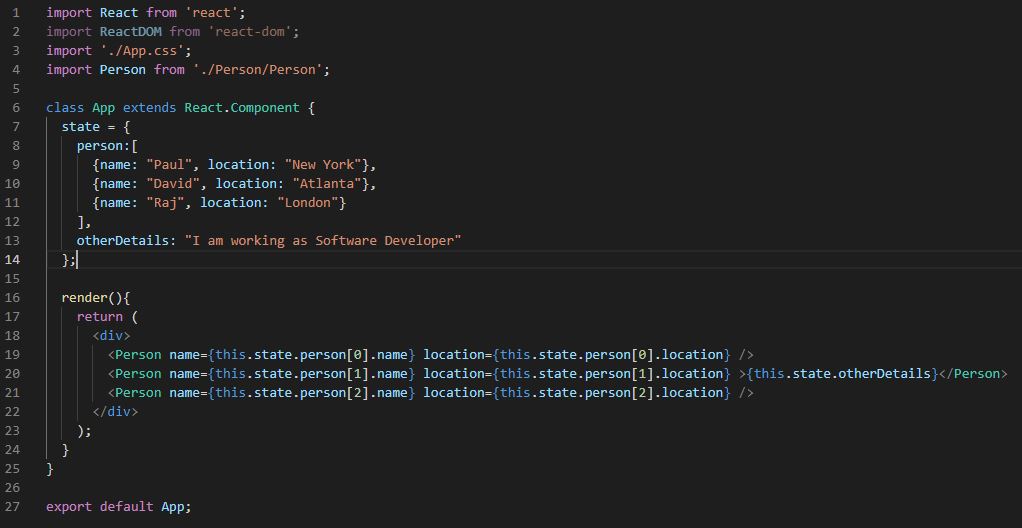
Paste the below code in App.js file.

import React from 'react';
import ReactDOM from 'react-dom';
import './App.css';
import Person from './Person/Person';

class App extends React.Component {
  state = {
    person:[
      {name: "Paul", location: "New York"},
      {name: "David", location: "Atlanta"},
      {name: "Raj", location: "London"}
    ],
    otherDetails: "I am working as Software Developer"
  };

  render(){
    return (
      <div>
        <Person name={this.state.person[0].name} location={this.state.person[0].location} />
        <Person name={this.state.person[1].name} location={this.state.person[1].location} >{this.state.otherDetails}</Person>
        <Person name={this.state.person[2].name} location={this.state.person[2].location} />
      </div>
    );
  }
}

export default App;

Below is the output of above code

Set default values for Props in ReactJS Components

When we define props in components, we usually pass values to them But what will happen if we do not pass any value? In this case, no data will be displayed.

There is sometimes a need when we want to specify a default value for properties of components just in case we forget to pass the values to the properties.

Let’s continue with this example where we have created a Comments component ad passed values in the properties.

index.js

Replace the original code with the below code.

import React from 'react';
import ReactDOM from 'react-dom';
import { Comment } from 'semantic-ui-react';
import Comments from './Comments';
import Approvalcard from './ApprovalCard';

const App = function () {
    return (
        // We will not pass the values in props for last Comments component
        <Comment.Group>
            <Approvalcard>
                <Comments user="Apoorv" time="May" commentData="Comment1" />
            </Approvalcard>
            <Approvalcard>
                <Comments user="Akanksha" time="Yesterday" commentData="Comment2" />
            </Approvalcard>
            <Approvalcard>
                <Comments />
            </Approvalcard>
        </Comment.Group>
    );
};

ReactDOM.render(<App />, document.getElementById('root'));
Comments.js

Replace the original code with the below code

import React from 'react';
import { Comment} from 'semantic-ui-react';
import faker from 'faker';

const Comments = function (props) {
    return (
            <Comment>
                <Comment.Avatar src={faker.image.avatar()} />
                <Comment.Content>
                    <Comment.Author as='a'>{props.user}</Comment.Author>
                    <Comment.Metadata>
                        <div>{props.time}</div>
                    </Comment.Metadata>
                    <Comment.Text>{props.commentData}</Comment.Text>
                    <Comment.Actions>
                        <Comment.Action>Reply</Comment.Action>
                    </Comment.Actions>
                </Comment.Content>
            </Comment>
    );
}

// defining default values for the properties
Comments.defaultProps={
    user:"User Name",
    time: "Now",
    commentData: "Comment"
};

export default Comments;

Below is the output of above code. You can see that the last Comment component has taken the default property values.

Power Platform Academy

Start or Upgrade your Career with Power Platform

Learn with Akanksha

Python | Azure | AI/ML | OpenAI | MLOps

Design a site like this with WordPress.com
Get started