We can handle events in React like Click events, Keyboard events, Form events, Focus events, Mouse events etc. Here is the official documentation of events in React.
Let’s see a sample of button click event. Continue with state and props article.
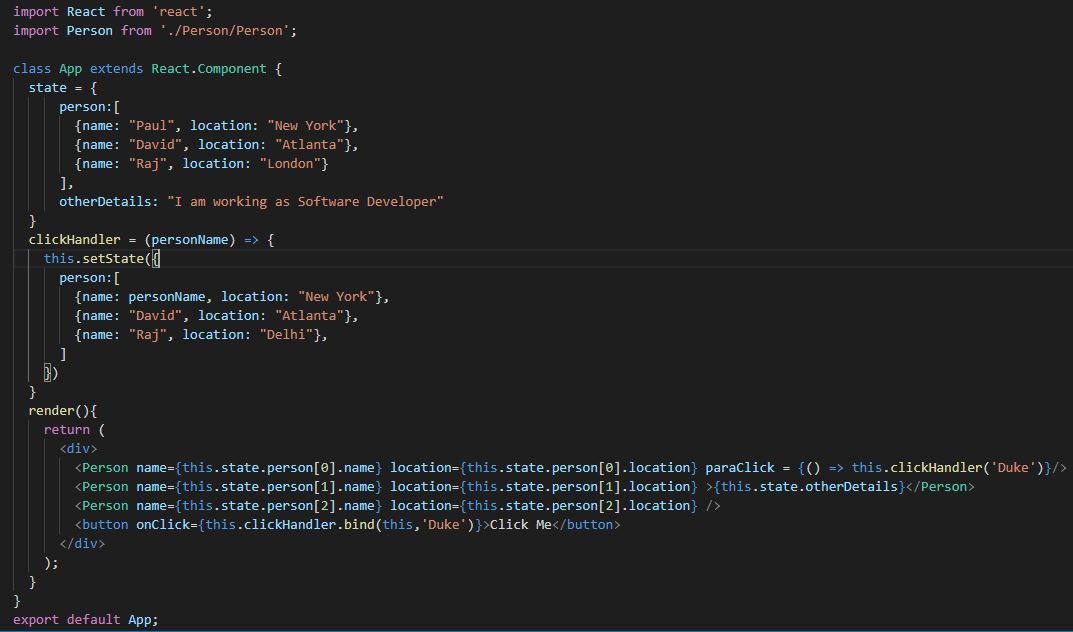
In this example, we will change the state of the component using setState() function. We use setState() method to update the state property hence updating the DOM. setState() takes an object as argument and MERGES this argument with the existing state.
In the state and props article, we have defined two state properties: person and otherDetails. Hence if we modify person property, it will look for the changes only in persons property and leave otherDetails property as it is.
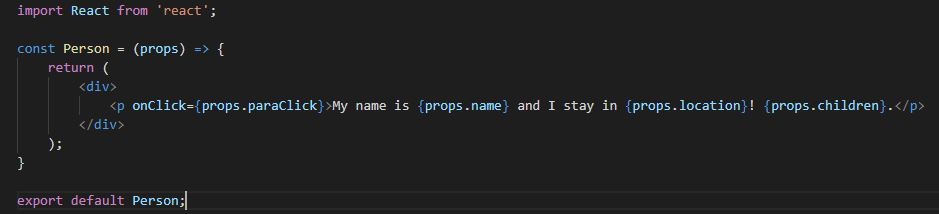
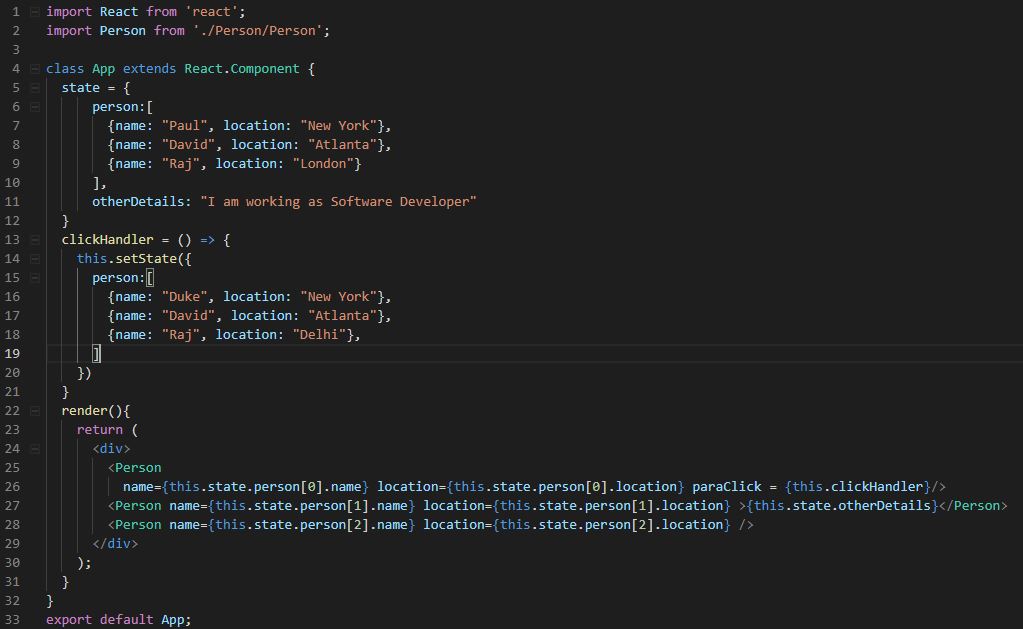
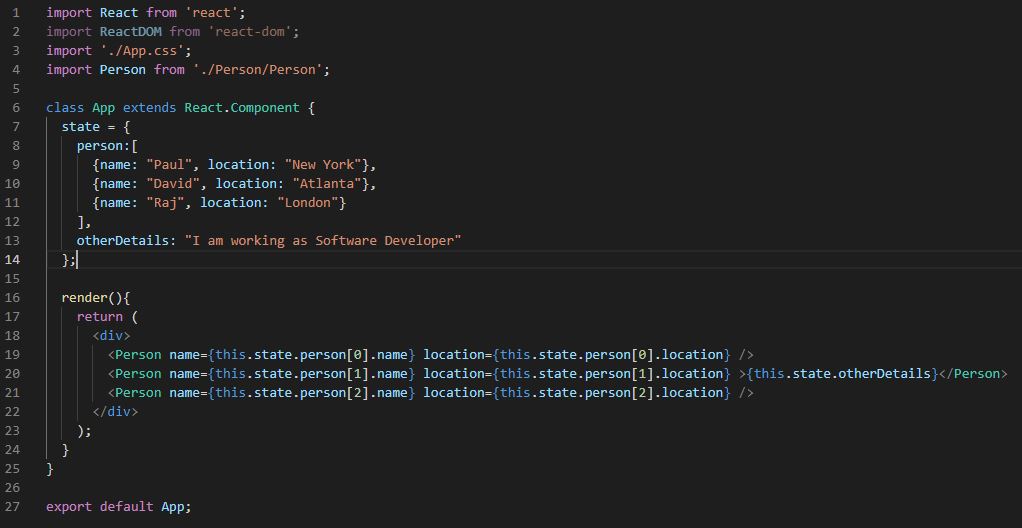
Below is the code in App.js file. The changes are done only in App.js file. No code changes are done in Person.js.
import React from 'react';
import './App.css';
import Person from './Person/Person';

class App extends React.Component {
  state = {
    person:[
      {name: "Paul", location: "New York"},
      {name: "David", location: "Atlanta"},
      {name: "Raj", location: "London"}
    ],
    otherDetails: "I am working as Software Developer"
  };

  buttonClickHandler = () => {
    this.setState({
      person:[
        {name: "Duke", location: "New York"},
        {name: "David", location: "Atlanta"},
        {name: "Raj", location: "Delhi"},
      ]
    })
  }

  render(){
    return (
      <div>
        <Person name={this.state.person[0].name} location={this.state.person[0].location} />
        <Person name={this.state.person[1].name} location={this.state.person[1].location} >{this.state.otherDetails}</Person>
        <Person name={this.state.person[2].name} location={this.state.person[2].location} />
        <button onClick={this.buttonClickHandler} >Click Me</button>
      </div>

    );
  }
}

export default App;

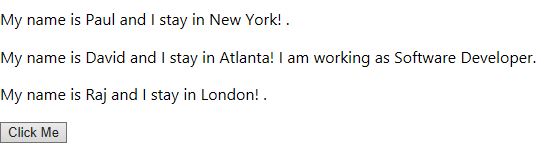
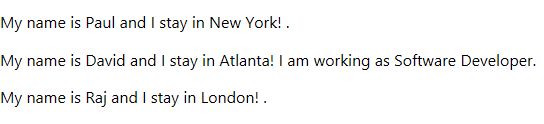
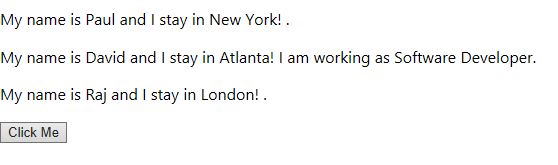
Below is the default output, before clicking the button.

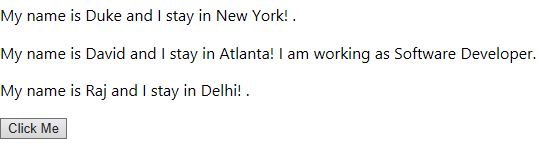
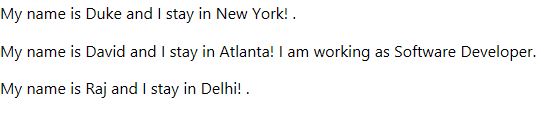
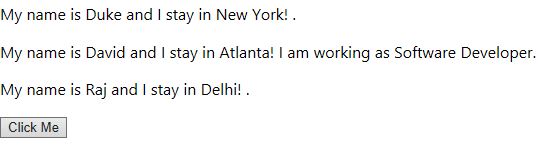
Below is the output after we click the button





 Akanksha's Blog