Create a new react application. Delete all the files from src folder except index.js. Replace the code with the following code
import React from 'react';
import ReactDOM from 'react-dom';

class App extends React.Component {
    render(){
        return(
          <div>React version: {React.version}</div>
        );
    }
}

ReactDOM.render(<App />, document.getElementById('root'));
Below is the output of above code.
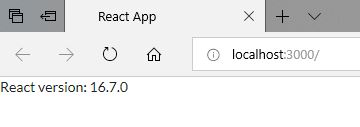
Output is subject to change as per the ReactJS version you are using.

 Akanksha's Blog